

Learn How to Optimize Image Sizes, Alt Text, and File Formats for Better Search Engine Rankings
In today’s visually driven digital landscape, images play a crucial role in engaging users and enhancing the overall user experience on your website. However, their impact extends far beyond aesthetics. Properly optimizing your images for SEO can significantly boost your online visibility, drive organic traffic, and improve your ranking in search engine results. This article will delve into the best practices for image SEO, helping you harness the power of visuals to achieve your digital marketing goals.
Understanding Image SEO
What is Image SEO?
Image SEO refers to the practice of optimizing images on your website to make them more discoverable and understandable for search engines. It involves a series of techniques aimed at making it easier for search engines to crawl, index, and rank your images in relevant search results. By strategically optimizing your images, you help search engines comprehend the content and context of your visuals, leading to improved visibility in Google Image Search and other image search engines. This comprehensive approach ensures that your images contribute positively to your overall SEO efforts.
Importance of Images for SEO
Images are more important for SEO than ever before, acting as valuable assets that can significantly impact your site’s performance in search results. Google and other search engines are constantly evolving their algorithms to prioritize rich media, recognizing that high-quality, relevant images enhance user experience and provide additional context for content. When you optimize your images, you not only improve their chances of appearing in Google Image Search, but you also contribute to a better overall SEO score for your webpages. Properly optimizing your images helps search engines understand what your content is about, leading to better rankings for your entire page.
Benefits of Optimizing Images for Search Engines
Optimizing images for search engines offers a multitude of benefits that extend beyond just appearing in image search results. When you optimize your images for SEO, you improve page load times, which is a critical ranking factor for Google. Faster loading images enhance user experience, reducing bounce rates and encouraging visitors to stay on your site longer. Furthermore, optimized images can help you rank for more keywords, as search engines can better understand the content of your visuals through proper alt text and file names. This can lead to increased organic traffic, better engagement, and ultimately, a stronger online presence across all facets of Google search and Google Discover.
Best Practices for Image Optimization
Images are essential for creating engaging, visually appealing websites, but they can also impact your website’s speed and SEO if they are not properly optimized. Effective SEO image optimization ensures your images load quickly, improve user experience, and help search engines understand your content.
Optimizing your images is about more than reducing file sizes. It involves choosing the right file format, using descriptive filenames, adding image alt text, compressing images, resizing them correctly, and ensuring every image contributes to your website’s overall search engine optimization strategy.
By following these best practices, you’ll ensure your images are optimized for both users and search engines, improving page speed, accessibility, and your chances of ranking higher in Google Images and traditional search results.
Choosing the Right Image File Format
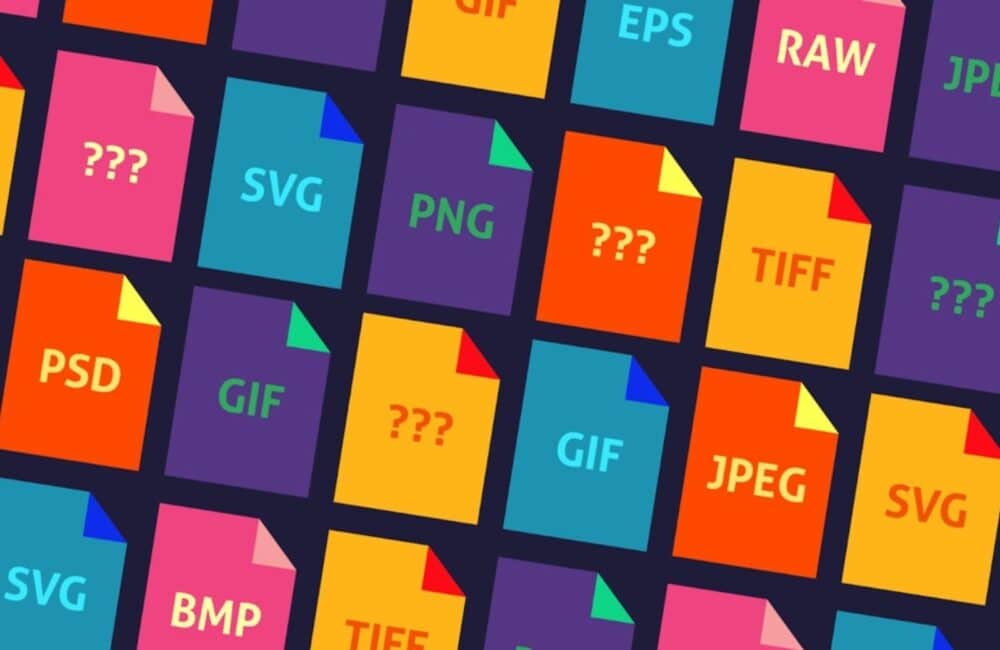
Selecting the correct image format is one of the first steps in effective image optimization. Different types of image formats serve different purposes, and choosing the wrong one can negatively affect both performance and visual quality.
Your goal is to achieve the best balance between size and image quality, ensuring fast-loading pages without sacrificing appearance.
Common Image Formats
JPEG (JPG)
JPEG is the most commonly used format for photographs and complex images.
Best for:
Blog images
Product photography
Travel photos
Lifestyle images
Advantages:
Excellent compression
Small image file sizes
Fast loading
Wide browser support
JPEG is ideal when you want to compress your images while maintaining acceptable quality.
PNG
PNG is better suited for graphics and images requiring transparency.
Best for:
Logos
Icons
Screenshots
Graphics with text
PNG files generally produce larger image file sizes, but they preserve excellent detail and transparency.
WebP
WebP has become one of the preferred formats for modern websites.
Advantages include:
Smaller file sizes
Excellent image quality
Faster loading speeds
Improved website performance
Many websites now use WebP because the image is compressed more efficiently than JPEG or PNG.
SVG
SVG files are ideal for vector graphics such as:
Logos
Icons
Illustrations
Because SVGs use mathematical vectors instead of pixels, they remain perfectly sharp regardless of screen size.
Why File Format Matters
Choosing the correct format helps:
Improve page speed
Reduce bandwidth usage
Improve search rankings
Enhance user experience
Support better Google Image SEO
Every image should be selected based on its intended purpose and optimized before uploading.
Image File Names: Best Practices
Many website owners overlook image file names, yet they play an important role in search engine optimization.
Search engines cannot “see” images the way humans do. Instead, search engines use filenames, surrounding content, and image alt text to understand your images.
Instead of uploading files like:
IMG001.jpg
Photo123.png
Screenshot.png
Use descriptive filenames such as:
seo-image-optimization-checklist.jpg
wordpress-speed-optimization.webp
red-running-shoes.jpg
Best Practices for Image File Names
When naming your website images, always:
Use descriptive keywords
Separate words with hyphens
Keep filenames short but meaningful
Avoid unnecessary numbers
Match the filename to the page topic
For example:
Poor:
image1.jpg
Better:
digital-marketing-dashboard.webp
This helps search engines and users better understand the image content.
Why Descriptive File Names Matter
Descriptive filenames:
Improve search visibility
Help Google categorize images
Increase opportunities for your images to appear in Google Images
Support overall SEO purposes
Combined with optimized page content, filenames provide another signal that helps Google discover images relevant to specific searches.
Resizing Your Images for Optimal Performance

One of the biggest SEO mistakes is uploading oversized images directly from a camera or smartphone.
Large images increase page load times, negatively affecting user experience and SEO.
Always resize images before uploading them.
Resize Images Before Uploading
The dimensions of an image should match how it will appear on your website.
For example:
Blog content: 1200px wide
Product images: 800–1200px
Featured images: 1200 × 630px
Thumbnails: 300 × 300px
Uploading a 5000-pixel image when only 1200 pixels are needed wastes bandwidth.
Compress Your Images
After resizing, compress your images to further reduce file size.
Image compression removes unnecessary data while preserving visual quality.
Many image optimization tools automatically ensure the image is compressed without noticeable quality loss.
Smaller image file sizes lead to:
Faster loading pages
Better Core Web Vitals
Improved user experience
Higher search rankings
Use Responsive Images
Modern websites should display images correctly across desktops, tablets, and smartphones.
Responsive images automatically deliver the correct size depending on the visitor’s screen.
This improves:
Loading speed
Mobile performance
User experience
Optimize Image Alt Text for SEO
Every image should include descriptive image alt text.
Alt text serves two important purposes:
Accessibility
Alt text helps screen readers explain the image to visually impaired users.
This improves accessibility and SEO simultaneously.
Search Engine Understanding
Alt text also helps search engines:
Understand what an image contains
Determine whether it is relevant to the page
Index images more accurately
Good alt text naturally describes an image without stuffing keywords.
For example:
Poor:
image
Better:
Woman using SEO software to optimize website rankings
Your alt text should always:
Describe the image
Be concise
Be relevant to the image
Include keywords naturally where appropriate
Additional Image SEO Best Practices
To maximize SEO image optimization, remember to:
Make sure images load quickly.
Use modern image formats.
Optimize the image before uploading.
Add descriptive filenames.
Write meaningful alt text.
Use captions when helpful.
Implement structured data where appropriate.
Include images with metadata when relevant.
Regularly audit the images you upload.
When you’ve optimized your images, they become valuable SEO assets rather than performance bottlenecks.
Image optimization is an essential part of every successful SEO strategy. Learning how to properly resize images, compress your images, and write effective image alt text improves both website performance and visibility.
If you want better Google Image SEO, higher search rankings, and improved search visibility, take the time to learn how to optimize every image before publishing it.
Remember that image SEO isn’t just about helping search engines—it also improves accessibility and SEO, enhances user experience, and ensures users and search engines can easily understand your content.
By consistently applying these best practices, you’ll optimize their images effectively, improve page speed, and increase the chances of your website images appearing in the top search results for relevant searches.
Using Alt Text and Image Titles
What is Alt Text and Why is it Important?
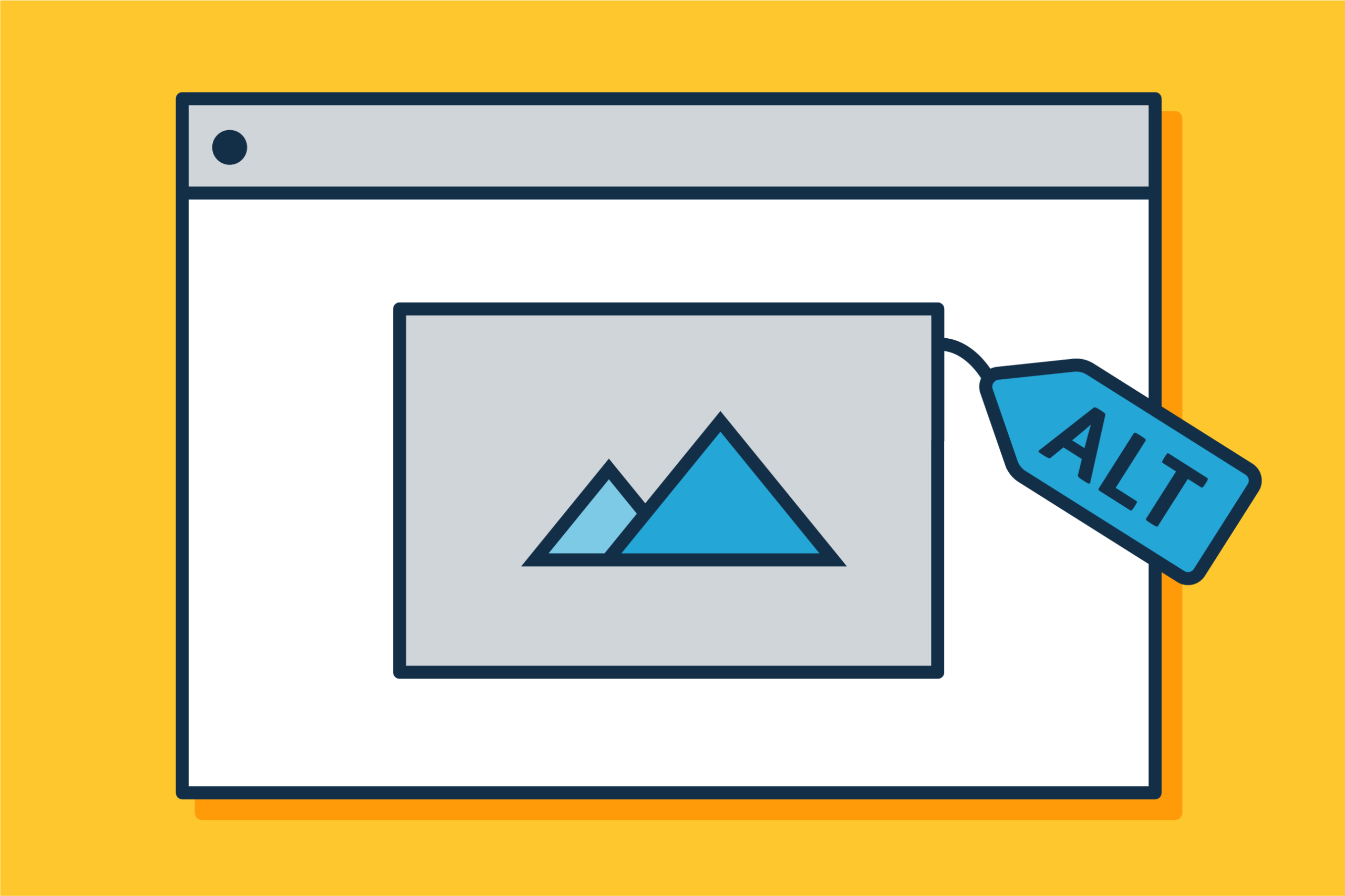
Alt text, short for alternative text, is a descriptive written description of an image embedded within the HTML code of a webpage. It serves several crucial functions that are vital for both accessibility and image SEO. For users with visual impairments, alt text is read aloud by screen readers, providing context and meaning for the images on your website. From an SEO perspective, alt text helps search engines understand the content and context of your images, as search engine crawlers cannot “see” images in the same way humans can. By including relevant keywords in your alt text, you can help search engines index your images more effectively, leading to improved visibility in Google Image Search and better overall search results. Therefore, ensuring your images have well-crafted alt text is a fundamental image optimization strategy and a key component of effective image SEO.
How to Write Effective Alt Text
Writing effective alt text is a critical image SEO best practice that significantly helps search engines understand your visuals. The primary goal is to provide a concise, accurate, and descriptive written description of an image, similar to how you would describe it to someone who cannot see it. Aim to include relevant keywords naturally, without keyword stuffing, which can harm your SEO efforts. For instance, instead of “dog.jpg,” write “golden retriever playing fetch in a park.” This not only improves accessibility but also gives search engines valuable context about the image content, making it easier for search engines to match your images with relevant search queries. Remember to keep it brief, ideally under 125 characters, and always ensure your images have unique and descriptive alt text to maximize their contribution to your overall image SEO.
Image Titles and Their Role in SEO
While often confused with alt text, the image title attribute plays a different, though less direct, role in SEO. The image title typically appears as a tooltip when a user hovers their mouse over an image. While not as impactful for direct search engine ranking as alt text, a well-chosen image title can still contribute to a positive user experience. Google uses various signals to understand and rank content, and a good user experience indirectly supports your SEO efforts. You can use the image title to provide supplementary information or a slightly different context than your alt text, offering additional value to users. Although it doesn’t directly influence how search engines index your images, a descriptive image title can still subtly enhance the user journey, contributing to the overall strength of your images for SEO.
Creating an Image Sitemap

What is an Image Sitemap?
An image sitemap is a specialized type of XML sitemap specifically designed to list the images on your website, making it easier for search engines like Google to discover and index them. Unlike a standard HTML sitemap that primarily lists webpages, an image sitemap provides specific details about each image, including its location, title, alt text, and sometimes its caption. This dedicated sitemap helps search engines understand the context and content of your visuals, ensuring that your images are not overlooked, especially if they are embedded using JavaScript or other methods that might make them harder to crawl. By creating and submitting an image sitemap, you actively assist search engines in their image discovery process, which is a fundamental aspect of effective image SEO.
How to Create and Submit an Image Sitemap
Creating and submitting an image sitemap is a straightforward process that significantly enhances your image SEO efforts. You can manually create an XML file listing all the images on your site, including their URLs, titles, and alt text. Alternatively, many SEO plugins for content management systems like WordPress offer automated tools to generate an image sitemap for you, simplifying the task. Once your image sitemap is ready, you need to submit it to Google Search Console. Navigate to the “Sitemaps” section, enter the URL of your image sitemap, and Google will begin to process it. This action explicitly tells Google about all the images on your website, making it easier for search engines to crawl, index, and potentially display your images in Google Image Search results, thus helping to optimize images for SEO.
Benefits of Using Image Sitemaps for SEO
Utilizing an image sitemap offers numerous benefits for your overall image SEO strategy. Primarily, it significantly improves the discoverability of your images by explicitly telling search engines about every image on your website, including those that might otherwise be missed by regular crawling. This increases the chances of your images appearing in Google Image Search and Google Discover, driving additional organic traffic to your site. An image sitemap also allows you to provide crucial metadata, such as alt text and titles, directly to search engines, helping them to better understand the content and context of your visuals. This enhanced understanding contributes to better rankings for your images in relevant search results, making it an essential practice for anyone looking to optimize images for search engines effectively and improve their overall SEO.
Monitoring and Improving Image SEO

Tools for Analyzing Image SEO Performance
To effectively monitor and improve your image SEO, leveraging the right tools is essential. Google Search Console is an indispensable resource, providing insights into how Google indexes your images, any crawling errors it encounters, and which search queries your images are ranking for in Google Image Search. Beyond Google’s own tools, various third-party SEO platforms offer image analysis features, helping you identify issues like missing alt text, uncompressed images, or incorrect image file names. Website speed testing tools, such as Google PageSpeed Insights, are also crucial as they highlight performance issues caused by unoptimized images, directly impacting your overall site speed and SEO. By regularly using these tools, you can gain a comprehensive understanding of your image performance and identify areas where you need to optimize your images further to enhance your presence in search results.
How to Index Your Images Effectively
Effectively indexing your images is paramount for them to appear in Google Image Search and contribute to your overall SEO. The primary step is to ensure your images are accessible to search engine crawlers, which means avoiding “noindex” tags on image files or blocking them via robots.txt. Crucially, providing descriptive alt text for every image is the most direct way to help search engines understand and index your images correctly. Additionally, embedding images within relevant content on well-optimized webpages sends strong signals to search engines about the image’s context. Creating and submitting an image sitemap also plays a vital role in informing search engines about all the images on your site. By following these image SEO best practices, you make it much easier for search engines to crawl, understand, and successfully index your images, thereby boosting their visibility in image search results.
Adjusting Your Strategy Based on Analytics
Continuously adjusting your image SEO strategy based on analytics is key to long-term success. By regularly reviewing data from tools like Google Search Console, you can identify which of your images are performing well, which need further optimization, and what search queries users are employing to find your visuals. For example, if you notice that certain image file formats are leading to slower page load times, you might prioritize converting those to more efficient formats like WebP. If images on a particular topic are gaining significant traffic from Google Image Search, you might create more similar content and ensure your images for SEO in that area are highly optimized. This iterative process of analysis, adjustment, and re-evaluation ensures that your image optimization efforts remain effective, adapting to changing search engine algorithms and user behavior, ultimately helping to improve your images for search engines and overall organic performance.



















0 Comments